Add Service Categories
Set optional category tags for APIs to allow team members to quickly find and use the needed APIs in the API marketplace.
With a clear multi-tiered category structure, the discoverability and organization of APIs are enhanced, helping teams to develop and maintain operations more efficiently, thereby improving overall work efficiency and collaboration.
Operation Demonstration
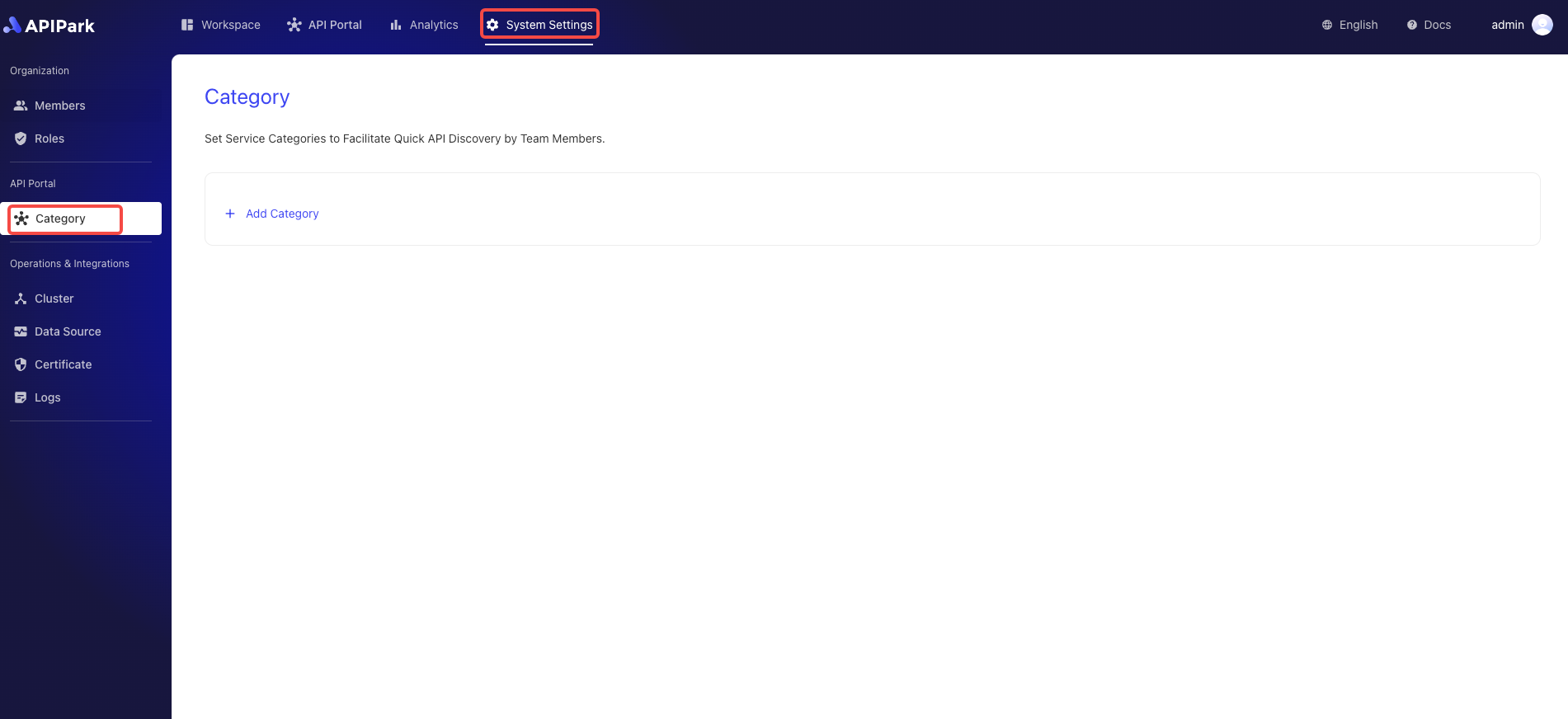
- Click
System Settings->API Portal ->Category` to enter the service category list page.
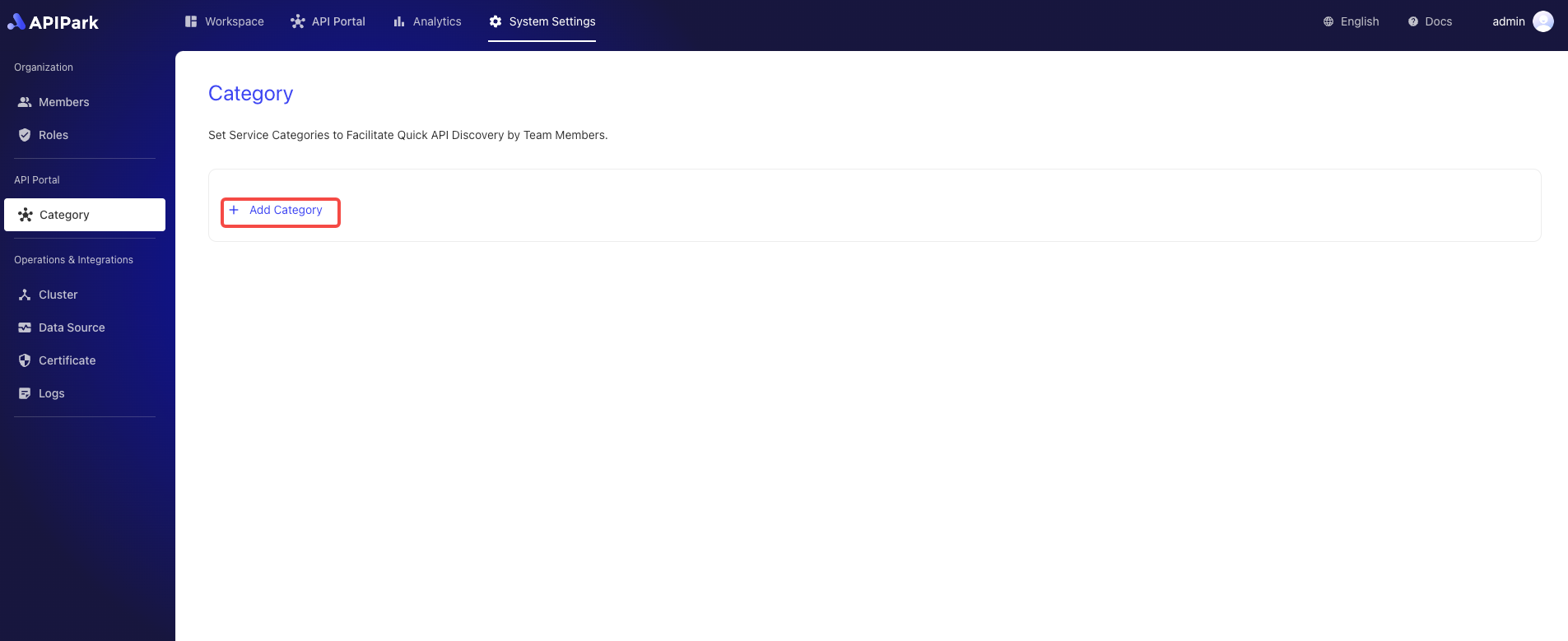
- Click
Add Category.
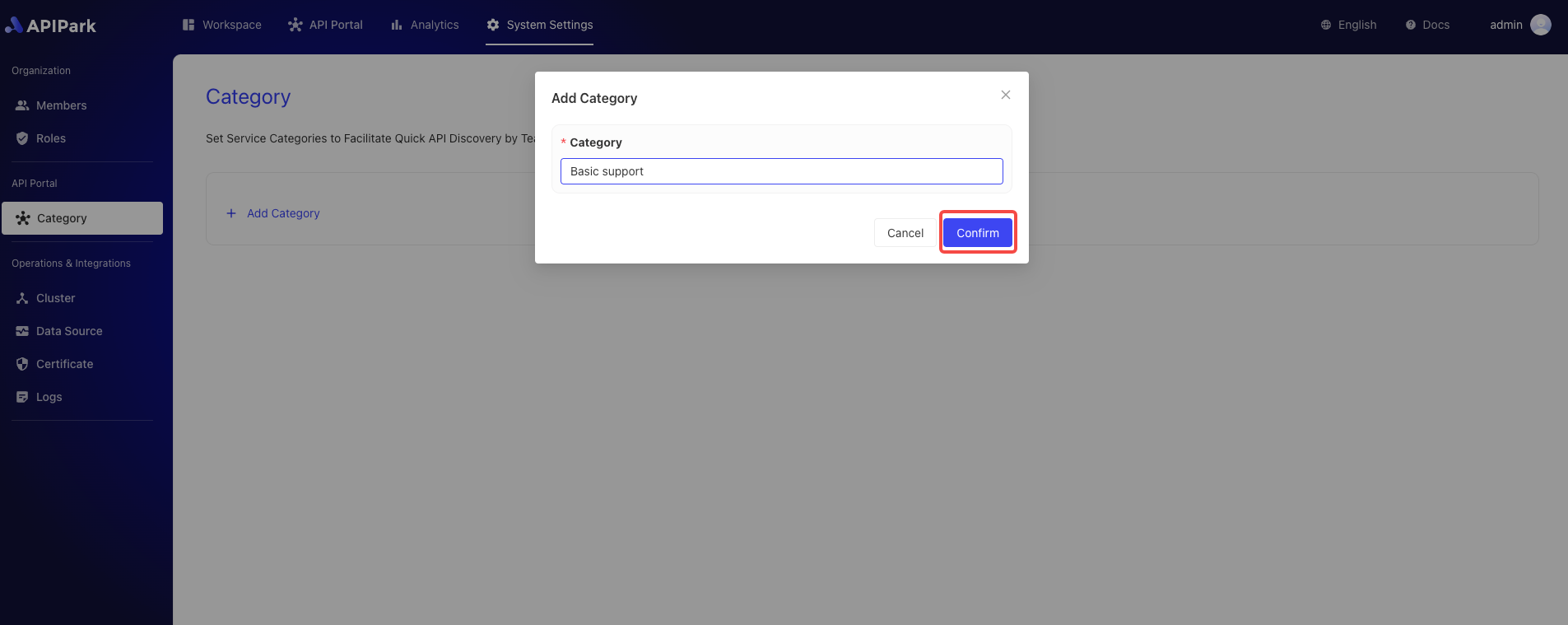
- Enter the category name in the pop-up box and click
Confirm.